What it made for us
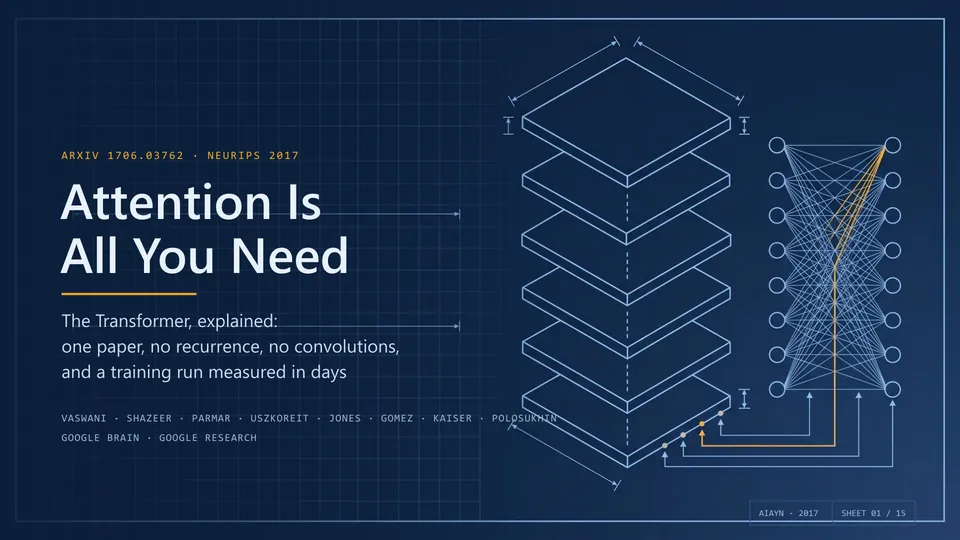
What it does
Turns a document or a topic into a real PowerPoint file where every chart, table and text box stays editable.
- Can use your own .pptx template, and add narration from speaker notes.
- Confirms template, format and page count with you first, then saves the .pptx.
- Needs Python 3.10 to 3.14. Free, MIT.
Good for
- You turn reports, memos or research into decks that others will edit later.
- Your company has a PowerPoint template and the slides have to use it.
- You want a narrated version of a deck without recording yourself.
Not for
- Decks that live in a browser: use frontend-slides.
- People who cannot install Python on their computer.
- A single image or poster.
Similar skills
All skills →Questions
Are PPT Master decks really editable?
Yes. It writes native DrawingML, so shapes, text, charts and tables can be edited in PowerPoint. Formulas compile to editable OMML for PowerPoint 2010 and later.
How do I install PPT Master in Claude Code?
Run /plugin marketplace add hugohe3/ppt-master and /plugin install ppt-master@ppt-master, and install the Python requirements from a clone of the repo.
Can it use my company's PowerPoint template?
Yes. It works with your own .pptx templates, can learn a template from reference decks, and can fill an existing deck while keeping its design.
Is PPT Master free?
The project is MIT licensed. The optional PDF converter depends on PyMuPDF, which uses the AGPL-3.0 licence.
Does my document get uploaded anywhere?
The workflow runs locally. Content only leaves your machine through the AI model you use and any image, search or speech services you enable.